Plug & Charge

Automatic charging for BMW and Mini

f your BMW or MINI are compatible, you can now enable Plug & Charge in the ChargeNet app and select it in your EV’s dashboard menu.


Once set up, simply plug into a ChargeNet DC fast charger that supports Plug & Charge and your charging session will start automatically. All you need to do is check if your session has started.  


While BMW and MINI are the first to offer Plug & Charge in New Zealand, we expect other EV manufacturers to offer it soon. 


If your EV is CCS, it may support Autocharge as an alternative.

How Plug & Charge works

Plug & Charge enables the EV and charger to start your charging session automatically via a secure digital handshake (ISO 15118 for those in the know) – no manual authentication is required.


Vehicles with Plug & Charge can also store multiple charging contracts. This makes payment management between work, home, or different family members easy.  Simply select the contract you want to use in your car before you plug in.


To set up Plug & Charge, you’ll need your Plug & Charge ID, PCID for short. The PCID is your car’s identifier; you can find it in your car’s settings.


Note that some vehicle manufacturers call the PCID a Provisioning Certificate Identifier.

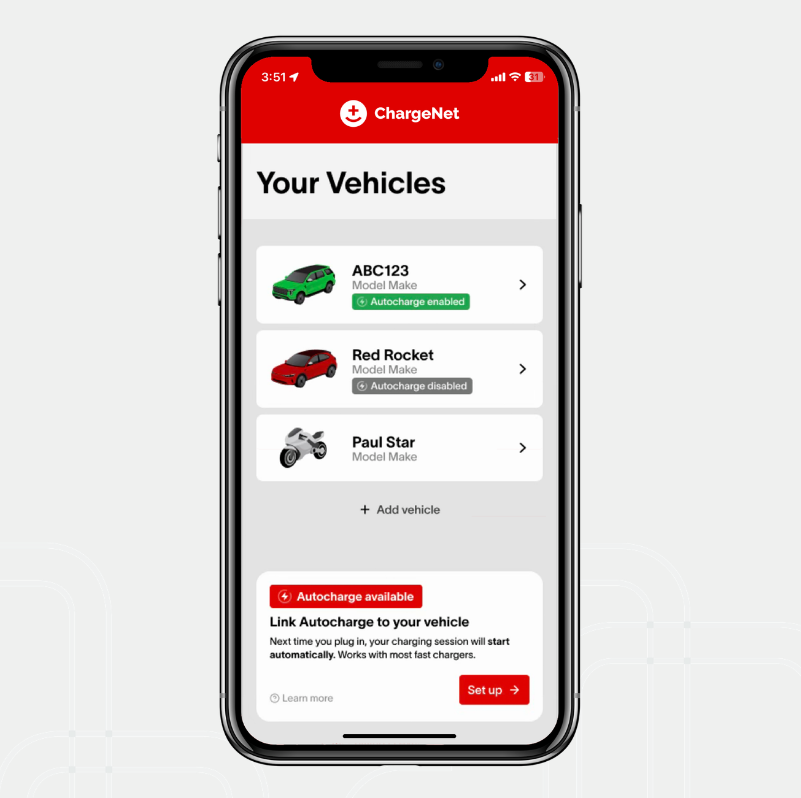
Link Autocharge to your vehicle

How to set up Plug & Charge

  1. Go to the Plug & Charge settings in your car’s dashboard or app. Find the Plug & Charge ID (PCID). If you can’t find it, your car might not support Plug & Charge. Alternatively, you may need to use the car’s VIN as the ID. Ask your dealer for more information.

  2. Open the ChargeNet App.

  3. Open the main menu and go to the ‘Vehicles’ page.

  4. Select ‘Add vehicle’ and add your EV.

  5. Open the vehicle’s details by tapping on your new vehicle record.

  6. If the make of your vehicle is generally compatible, you’ll see a prompt that Plug & Charge is available, click ‘Set up’.

  7. Enter the PCID. This creates the contract certificate. Ensure you match upper and lower case if entering the PCID manually. Click ‘Continue’.

  8. Success! Your charging contract is now sent to your car, select it in the Plug & Charge settings in your EV’s dashboard menu.

If you share the EV with family members who have different ChargeNet accounts, they can follow the same process. You can then switch easily between the contracts in the car before your charge session.

How to charge using Plug & Charge

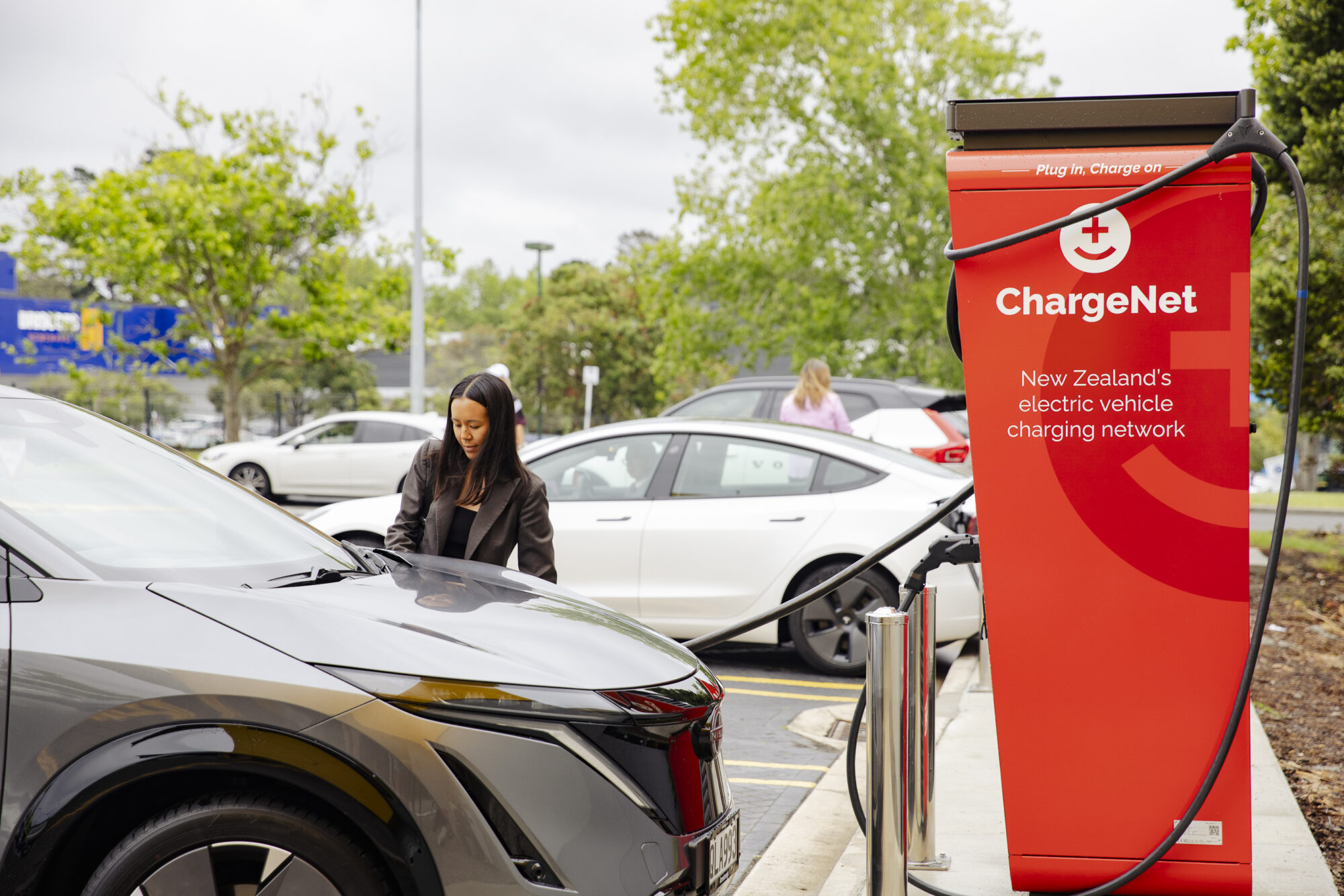
Find a compatible charger on the map using the Plug & Charge filter or checking the site location details – you’ll see a Plug & Charge icon in the app if the charger supports Plug & Charge. 


When a charger isn’t compatible with Plug & Charge, start your session with the app or RFID fob.

What’s the difference between Autocharge and Plug & Charge?

Good question. Both Autocharge and Plug & Charge make EV charging seamless by automatically starting your charging session.


The main differences are which vehicles offer Plug & Charge, how to set it up, and how the technology works to authenticate and initiate your charging session. 


Plug & Charge is expected to become more common in EV charging, reducing friction, building confidence, and making the switch to electric easier than ever.


Autocharge is available for most CCS vehicles in New Zealand, while Plug & Charge is currently only available for some BMWs and MINIs. Some vehicles may support both.
Got questions?

For vehicle compatibility questions, please contact your local dealership. They have the most up to date information about their EV range.


For quick answers to other questions, check out our Support Hub, or contact our friendly New Zealand based team, available 24/7 on 0800 224 274.